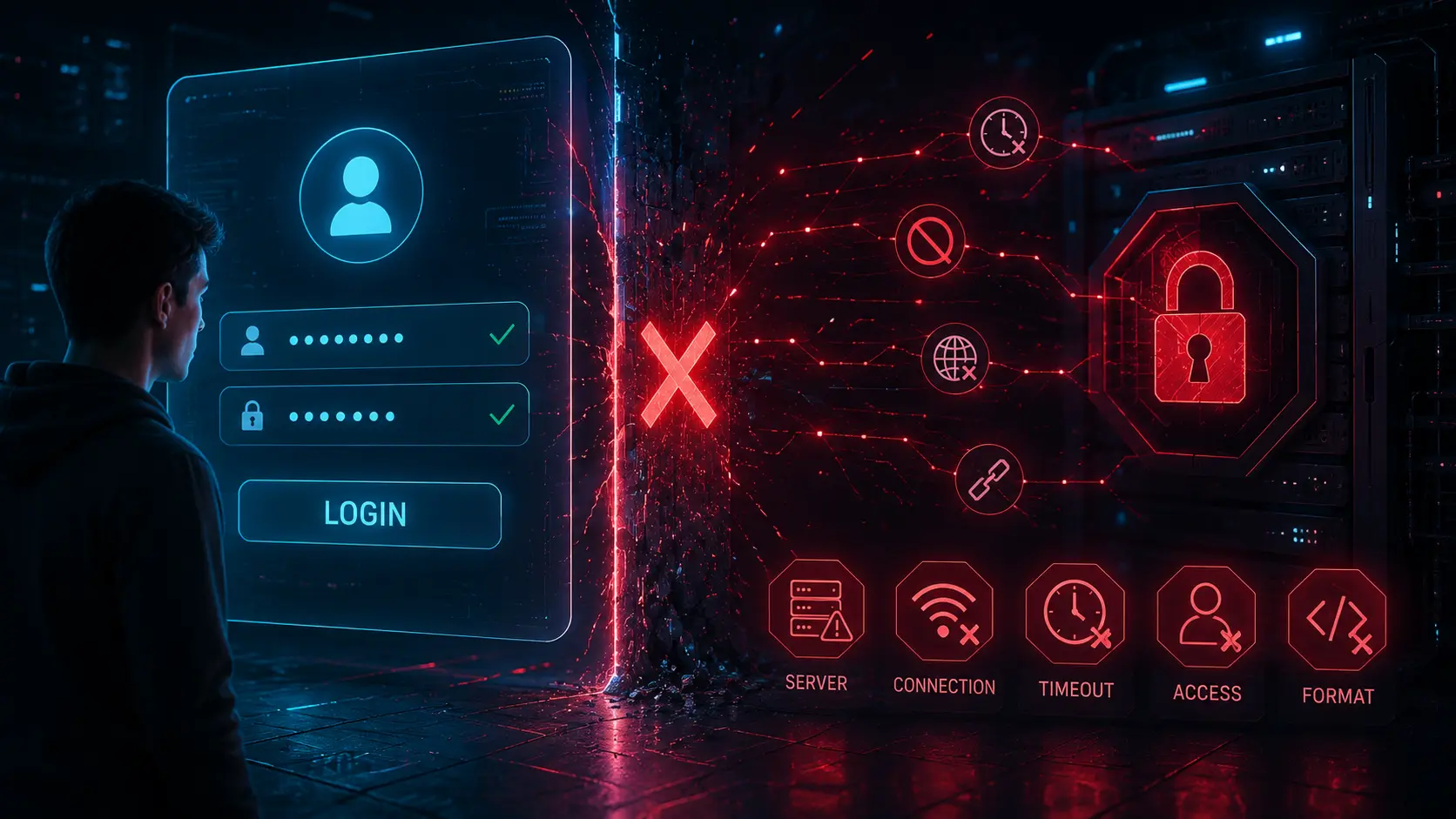
One of the most frustrating IPTV problems happens when an app rejects login credentials that appear completely correct. Many users carefully enter their server URL, username, and password only to receive messages like “Invalid Details,” “Authorization Failed,” or “Authentication Error.” In many cases, the credentials are actually valid, but something else inside the IPTV connection process is failing.
read moreCategory: Knowledge Base
Practical articles, enriched with useful information, about the tools available on iptvtoolbox.com
-

Why IPTV Streams Stop Working (And What Usually Causes It)
Few things are more frustrating than opening an IPTV app only to find that channels no longer load or streams suddenly stop playing. In many cases, IPTV streams stop working without any clear warning, even if everything seemed fine earlier.
This article explains the most common reasons IPTV streams stop working, what usually causes it behind the scenes, and how to diagnose the problem safely without guessing or repeatedly testing streams.
(more…) -

Common IPTV Error Codes Explained (401, 403, 404, 500 & More)
Sometimes an IPTV app shows a simple message like “Authorization Failed.” Other times, it displays a number such as 401, 403, or 404. These codes can look confusing, but they’re often just standard server response codes that help describe what type of failure occurred.
This guide explains the most common IPTV error codes in plain English, what usually causes them, and how to diagnose them safely without guessing or repeatedly testing streams.
(more…) -
Common IPTV Error Messages Explained (And What They Actually Mean)
IPTV apps often display short, generic error messages that don’t clearly explain what went wrong. In many cases, the same error text can appear for completely different problems — from an expired account to a temporary server outage or even a small formatting mistake.
This guide breaks down the most common IPTV error messages, explains what they usually mean behind the scenes, and helps you understand what to check next — without relying on provider-specific advice.
(more…) -

IPTV Account Expired vs Blocked vs Inactive: What’s the Difference?
When an IPTV setup suddenly stops working, users are often left guessing whether their account has expired, been blocked, or become inactive. These terms are frequently used interchangeably, but they describe very different technical states.
This article explains the difference between IPTV account expired, blocked, and inactive statuses, what each one means in practice, and how to identify the correct status safely without relying on trial-and-error playback.
(more…)