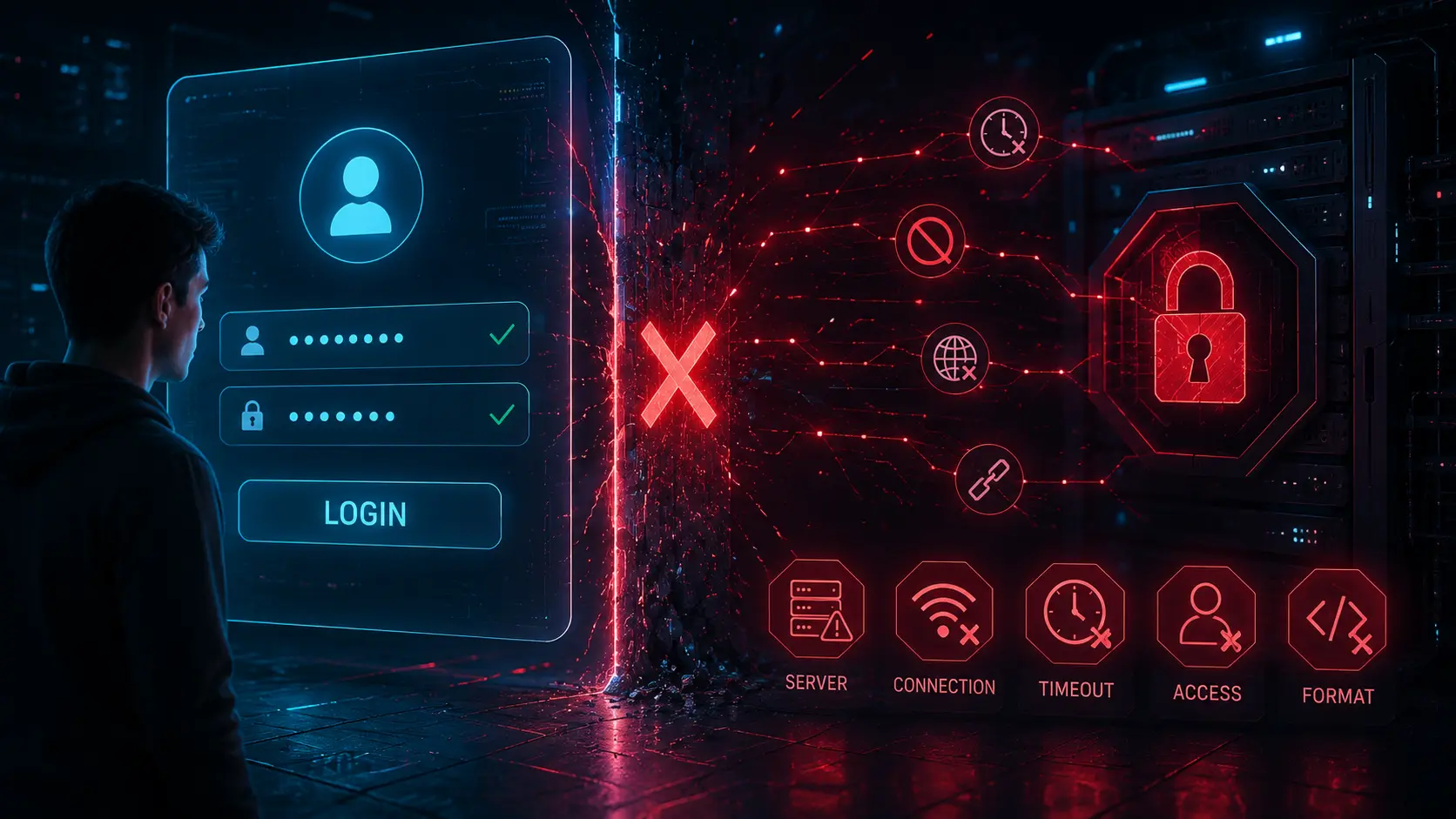
One of the most frustrating IPTV problems happens when an app rejects login credentials that appear completely correct. Many users carefully enter their server URL, username, and password only to receive messages like “Invalid Details,” “Authorization Failed,” or “Authentication Error.” In many cases, the credentials are actually valid, but something else inside the IPTV connection process is failing.
This issue affects a wide range of IPTV applications including IPTV Smarters, TiviMate, XCIPTV, IBO Player, and other Xtream Codes compatible apps. While the error messages often look simple, the causes behind them can involve formatting mistakes, server-side restrictions, DNS problems, expired sessions, app cache corruption, network filtering, or playlist compatibility issues.
Understanding how IPTV authentication works makes troubleshooting far easier. Once you know how apps communicate with IPTV servers, it becomes easier to identify why a login fails even when the account itself is still active.
If you want to verify whether an IPTV account is still responding correctly, tools like the IPTV Account Validity & Details Checker can help identify whether the server is reachable and whether account information is still being accepted.
How IPTV Login Authentication Actually Works
Most modern IPTV apps rely on one of two authentication methods:
- Xtream Codes API login
- M3U playlist authentication
With Xtream Codes style logins, the IPTV app sends three main pieces of information to the server:
- Server URL
- Username
- Password
The server then checks whether those details match an active account. If the request passes validation, the IPTV app receives channel lists, categories, VOD data, EPG information, and stream permissions.
Even a small formatting issue inside the request can cause authentication failure despite valid credentials. Common examples include wrong ports, protocol mismatches, hidden spaces, incorrect server paths, or unsupported app behavior.
Unlike traditional websites, IPTV apps also rely heavily on playlist parsing, stream authorization, API compatibility, and device communication. This creates multiple failure points before the login process fully completes.
Small Formatting Errors Cause Many Login Failures
One of the biggest reasons IPTV apps reject valid credentials is simple formatting inconsistency.
Hidden Spaces and Typing Problems
Many IPTV apps are extremely sensitive to spacing. A single invisible space copied into the username, password, or URL field can trigger authentication failure.
This problem happens frequently on:
- Fire TV devices
- Android TV keyboards
- Smart TV remote keyboards
- Clipboard copy/paste systems
Some virtual keyboards automatically add spaces after punctuation or domain names. Users often do not notice these hidden characters until the app rejects the login.
HTTP vs HTTPS Mismatches
Another common issue involves protocol mismatches.
For example:
- http://server.com:8080
- https://server.com:8080
Some IPTV servers only accept HTTP requests, while others require HTTPS encryption. Entering the wrong protocol can cause the IPTV app to reject the login request entirely.
In some cases, SSL certificate problems inside older IPTV apps also prevent secure HTTPS communication from completing correctly. The MDN Web Docs guide to HTTP gives a useful overview of how HTTP communication works between clients and servers.
Incorrect Port Numbers
Port numbers are another frequent source of authentication problems.
Common IPTV ports include:
- 80
- 8080
- 25461
- 2052
If the port is missing or incorrect, the IPTV app may contact the wrong service endpoint and incorrectly display an authentication failure message.
The Cloudflare guide to computer ports explains how ports help applications communicate with specific services across a server.
App Compatibility Problems Can Trigger False Login Errors

Not all IPTV apps implement Xtream Codes authentication the same way.
Some apps:
- support only partial Xtream API behavior
- parse playlists differently
- handle categories incorrectly
- struggle with custom server configurations
- fail with unusual ports or redirects
This explains why the same credentials may work perfectly inside one IPTV app but fail inside another. The problem is not always the login itself. Sometimes the app simply does not handle the server response correctly.
Older IPTV Apps Often Break Modern Authentication
Some IPTV systems change their authentication behavior over time. Older apps may not fully support:
- new API responses
- updated security layers
- token-based sessions
- modern SSL certificates
- compressed playlist responses
When this happens, the app may incorrectly assume the credentials are invalid even though the account itself still works.
Updating the IPTV app often fixes these compatibility problems immediately.
Server Restrictions Can Reject Correct Credentials
Even valid IPTV accounts can be rejected by server-side restrictions.
Connection Limits
Most IPTV accounts have a limit on the number of simultaneous active connections.
For example:
- 1 connection plan
- 2 connection plan
- multi-device plan
If too many devices attempt to stream or log in at the same time, the server may reject additional requests.
Instead of displaying a clear “Too Many Connections” message, some IPTV apps incorrectly show generic authentication failures.
IP Address Restrictions
Some IPTV systems restrict accounts based on IP address or region.
This can happen when:
- switching networks
- using mobile internet
- changing VPN servers
- traveling
- restarting the router
When the IPTV server sees an unexpected IP address, it may temporarily reject the login request for security or session-control reasons.
The Cloudflare guide to Internet Protocol explains how IP addresses help devices communicate across networks.
VPN Conflicts
VPNs sometimes help IPTV connectivity, but they can also create authentication conflicts.
Some systems may:
- block known VPN ranges
- detect shared VPN IPs
- rate-limit suspicious traffic
- restrict certain regions
In these situations, the IPTV app may show login rejection errors even though the account credentials themselves remain valid.
Testing the login both with and without a VPN often helps isolate the issue.
Corrupted App Cache and Local Data Problems
IPTV apps store temporary local data to speed up playlist loading and account syncing.
Over time, this cached data can become corrupted.
When corrupted cache files interfere with:
- stored authentication sessions
- playlist data
- category indexes
- EPG associations
- local account records
the IPTV app may fail to authenticate properly.
Signs of Cache-Related Authentication Issues
- credentials suddenly stop working
- playlist loads partially
- categories disappear
- channels fail after login
- authentication works after reinstalling the app
Clearing the app cache and app data often fixes these problems. Android’s official storage and cache management guide explains how clearing temporary app data can help resolve app behavior problems.
DNS Problems Often Look Like Authentication Failures
Sometimes IPTV credentials are completely valid, but the IPTV app cannot properly locate the server because of DNS-related issues.
DNS, or Domain Name System, helps convert readable domains into IP addresses that devices can connect to. If DNS resolution fails, the IPTV app may never reach the authentication server at all.
Common DNS Symptoms
- login attempts fail randomly
- server URLs stop loading temporarily
- playlist refresh fails
- authentication works on one network but not another
- channels disappear after login
Many home internet providers use DNS filtering systems or overloaded DNS servers that can interfere with IPTV server resolution.
The Google Public DNS documentation explains how DNS resolution affects internet connectivity and application access.
Router and ISP Filtering
Some ISPs apply automatic filtering rules to unusual traffic patterns or unknown streaming domains.
This can create situations where:
- the IPTV server itself remains online
- credentials remain valid
- other users can still connect
- only certain networks experience login failures
Changing DNS providers sometimes resolves these authentication-like connection issues.
Playlist and API Parsing Errors
Modern IPTV apps do much more than simply verify usernames and passwords. They also parse playlists, categories, stream groups, metadata, and EPG assignments immediately after login.
If any part of that parsing process breaks, the app may incorrectly assume the authentication failed.
Large Playlist Problems
Some IPTV services contain:
- thousands of live channels
- massive VOD libraries
- large XMLTV files
- complex category structures
Lower-powered devices sometimes struggle to process these large datasets efficiently.
Instead of displaying a parsing error, the IPTV app may simply show:
- Login Failed
- Invalid Credentials
- User Authentication Failed
even though the account itself authenticated correctly.
Broken API Responses
IPTV apps depend heavily on properly formatted API responses.
If the server returns:
- malformed JSON
- incomplete playlist data
- corrupted XML
- unexpected redirects
- timeouts during authentication
the app may fail during the login sequence.
The MDN JSON documentation explains how structured API responses are used in modern applications.
Device Time and Date Settings Can Affect Authentication
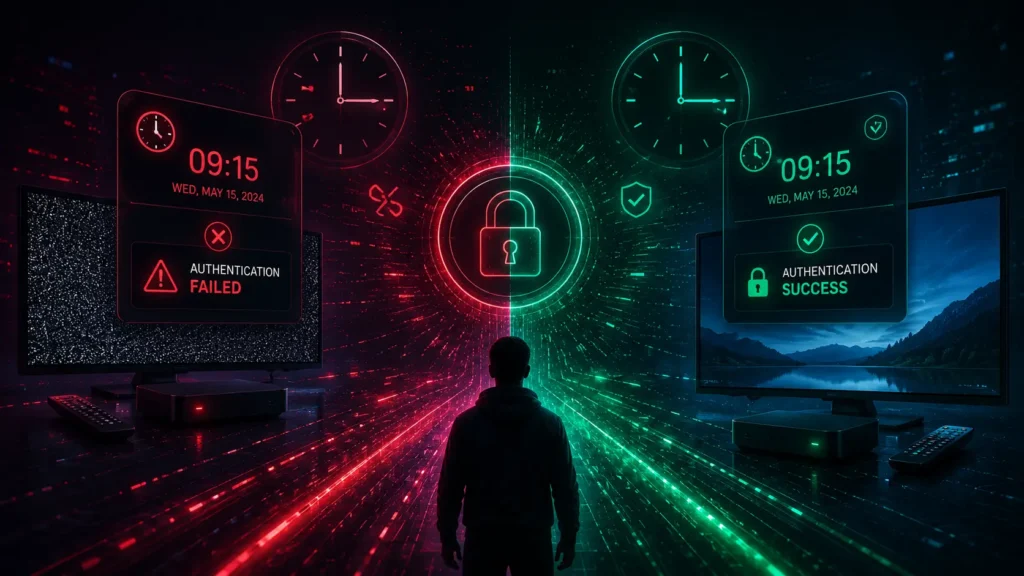
This issue surprises many IPTV users.
Incorrect device clocks can interfere with authentication systems, SSL verification, and token validation.
Why Device Time Matters
Many IPTV systems rely on:
- session expiration timestamps
- temporary login tokens
- SSL certificate validation
- time-based security checks
If the device time is incorrect by several minutes or hours, the IPTV app may reject valid credentials because the authentication token appears expired or invalid.
This problem appears frequently on:
- Android TV boxes
- Fire TV devices
- older Smart TVs
- devices without automatic time syncing
The Android automatic date and time guide explains how automatic network time synchronization works.
Temporary Server Overload Can Trigger Login Rejections
Sometimes the problem has nothing to do with the user, the app, or the credentials.
The IPTV server itself may simply be overloaded.
Authentication Servers Can Become Saturated
During peak usage periods, IPTV systems may experience:
- high login request volume
- database bottlenecks
- API slowdowns
- authentication queue delays
- temporary timeout spikes
When this happens, some IPTV apps interpret timeout responses as failed authentication attempts.
This explains why:
- credentials suddenly work later
- authentication fails only during certain hours
- multiple users report the same issue simultaneously
CDN and Load Balancer Problems
Some IPTV infrastructures use content delivery networks and load balancing systems to distribute traffic.
If one server node becomes unstable, users may temporarily reach:
- outdated authentication servers
- desynchronized databases
- broken API endpoints
- offline stream gateways
In these situations, login failures may appear random even though the credentials themselves remain correct.
Why Reinstalling the IPTV App Sometimes Works
Many users notice that deleting and reinstalling the IPTV app suddenly fixes login issues.
This usually happens because reinstalling clears:
- cached authentication tokens
- corrupted playlist files
- stored API sessions
- broken local databases
- invalid EPG associations
Essentially, reinstalling forces the IPTV app to rebuild its local environment from scratch.
When Reinstallation Is Most Effective
Reinstallation often helps when:
- the app crashes during login
- categories disappear unexpectedly
- authentication fails after an update
- playlist syncing behaves inconsistently
- other users with the same credentials can still connect
However, reinstalling will not fix problems caused by:
- expired subscriptions
- server outages
- incorrect credentials
- ISP filtering
- blocked IP addresses
How to Troubleshoot IPTV Login Problems Properly
Instead of repeatedly re-entering credentials, it helps to troubleshoot IPTV login failures systematically.
Step 1: Verify Credential Formatting
- check for spaces
- verify uppercase/lowercase characters
- confirm HTTP vs HTTPS
- double-check port numbers
- confirm server URL formatting
Step 2: Test the Same Credentials in Another App
If the credentials work in another IPTV app, the issue is probably app compatibility rather than authentication failure.
Step 3: Clear Cache and Local Data
Clearing app data removes corrupted local sessions that may interfere with authentication.
Step 4: Test Another Network
Trying another internet connection helps identify:
- ISP filtering
- DNS issues
- VPN conflicts
- router-related restrictions
Step 5: Confirm the Server Is Reachable
If the IPTV server itself is offline or overloaded, authentication requests may fail regardless of credential accuracy.
Why IPTV Authentication Problems Are Often Misunderstood
Many IPTV users assume authentication is a simple username-and-password check. In reality, modern IPTV apps rely on a much more complicated workflow involving APIs, DNS resolution, playlists, local cache systems, network communication, security layers, and metadata synchronization.
This is why valid IPTV credentials can sometimes fail even when the account itself remains active.
In many situations, the app is not actually rejecting the credentials. Instead, something inside the connection process breaks before authentication fully completes.
Understanding these technical factors makes IPTV troubleshooting far easier and helps users avoid repeatedly changing passwords or assuming their accounts have expired.
Final Thoughts
IPTV login problems are not always caused by incorrect usernames or passwords. In many cases, valid credentials are rejected because of formatting mistakes, app compatibility problems, DNS failures, VPN conflicts, corrupted cache data, server overload, or API parsing issues.
Modern IPTV apps depend on multiple systems working together correctly. Even small communication failures between the app and the server can trigger misleading authentication errors.
By understanding how IPTV authentication actually works, users can troubleshoot login problems more effectively and identify whether the issue comes from the app, the network, the server, or the local device itself.