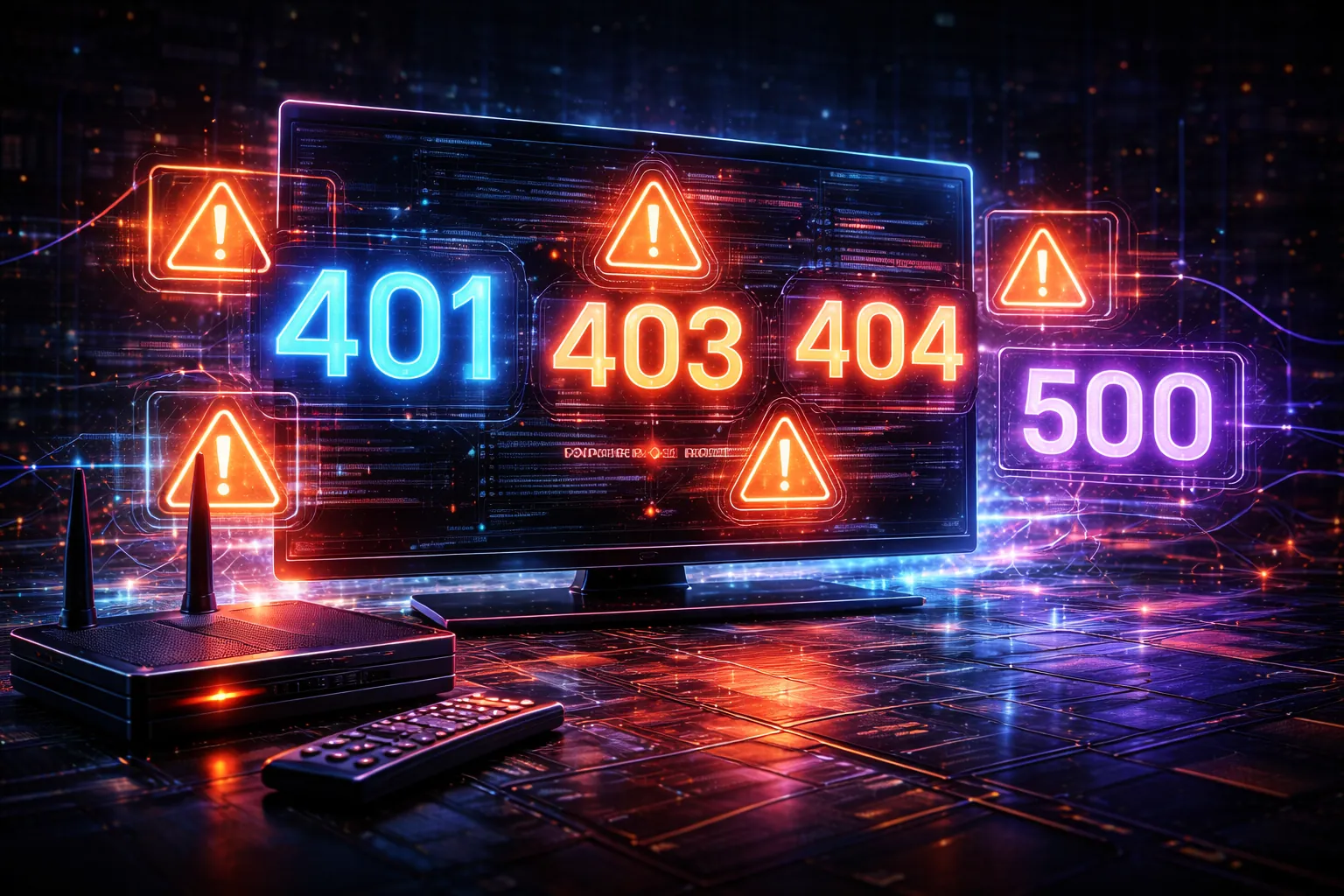
Sometimes an IPTV app shows a simple message like “Authorization Failed.” Other times, it displays a number such as 401, 403, or 404. These codes can look confusing, but they’re often just standard server response codes that help describe what type of failure occurred.
This guide explains the most common IPTV error codes in plain English, what usually causes them, and how to diagnose them safely without guessing or repeatedly testing streams.
What IPTV Error Codes Actually Represent
Most IPTV apps communicate with servers using standard web-style requests. When a request fails, the server responds with a code that describes the general category of the problem. IPTV apps may show the raw code, translate it into an app message, or display a generic “unknown error.”
The important thing to understand is that a code usually tells you where to look (account, URL, server, or network) — not the exact root cause by itself.
Authentication & Permission Error Codes

IPTV Error Code 401 (Unauthorized)
A 401 error typically means authentication failed. The server is reachable, but it did not accept the login or access credentials used in the request.
Common causes include incorrect username/password details, an expired account, or credentials that are correctly copied but placed into the app using the wrong format.
If you want to confirm whether the account itself is still active before changing settings in your app, the safest approach is to verify authentication-level data using the IPTV Account Validity & Details Checker.
IPTV Error Code 403 (Forbidden)
A 403 error means the server understood the request but refused to allow it. Unlike a 401, this is often a permission or restriction issue rather than a simple credential mismatch.
Common causes include an account being blocked or restricted, exceeded connection limits, IP-based restrictions, or region-based limitations applied at the server level.
If you’re trying to separate “expired” from “blocked” behavior, this guide explains the differences clearly: IPTV account expired vs blocked vs inactive.
Resource & Endpoint Error Codes
IPTV Error Code 404 (Not Found)
A 404 error means the app requested a resource that the server could not find. In IPTV, this often points to an incorrect playlist path, a wrong endpoint, or a server URL that has changed.
This is commonly triggered by M3U links that are missing required parameters or by entering an incorrect base URL in an IPTV app.
If you want a clearer understanding of what the app expects when reading a playlist link, start here: What is an IPTV M3U playlist?
IPTV Error Code 410 (Gone)
A 410 error is similar to a 404, but it usually implies the resource was intentionally removed. In practical terms, it often behaves like a permanent 404 and is less likely to be resolved by retrying the same link.
If you repeatedly see 410 responses for a specific playlist or endpoint, the issue is usually not your device or app configuration.
Server & Infrastructure Error Codes

IPTV Error Code 500 (Internal Server Error)
A 500 error means the server encountered an internal fault and could not complete the request. This is typically server-side and is not usually fixable from the user side.
Temporary 500 errors may clear on their own, while persistent 500 errors often indicate a server configuration issue or service instability.
IPTV Error Code 502 (Bad Gateway)
A 502 error usually indicates a gateway or proxy failed to receive a valid response from an upstream server. In IPTV systems, this can happen when server components are overloaded or misconfigured.
IPTV Error Code 503 (Service Unavailable)
A 503 error usually means the service is temporarily unavailable. This often occurs during maintenance windows, heavy load, or when the server is intentionally limiting requests.
IPTV Error Code 504 (Gateway Timeout)
A 504 error indicates the request reached a gateway, but the upstream server did not respond in time. This is common when servers are overloaded or when network routing is unstable.
Why IPTV Apps Show Different Codes (Or No Codes at All)
Two IPTV apps can show different messages for the same underlying problem. Some apps expose raw server response codes, while others replace them with generic labels like “Cannot connect” or “Playback failed.”
If you want the non-technical side of this topic — the most common IPTV messages and what they usually mean — this article pairs well with this guide: Common IPTV Error Messages Explained.
How to Diagnose IPTV Error Codes Safely
Instead of guessing, use a structured approach to narrow down the cause:
1- Identify the exact error code shown in the app
2- Decide whether it’s an authentication, resource, or server category error
3- Check account-level data first (validity, expiry, connection rules)
4- Verify the URL structure and login method being used
5- Avoid repeated stream testing, which can worsen rate limits or restrictions
If you’re unsure whether you’re using the correct login type, this comparison explains the differences clearly: M3U vs Xtream Codes.
When IPTV Error Codes Are Not Fixable
Some IPTV error codes are not caused by your device, app, or local settings. Maintenance, server overload, upstream stream loss, and infrastructure faults can all produce errors that cannot be resolved from the user side.
When errors are clearly server-side (such as repeated 500, 502, 503, or 504 responses), the most realistic solution is to wait for the service to stabilize rather than making constant changes to your setup.