
Knowing whether an IPTV account is still active is important for avoiding playback issues, login errors, and unexpected service interruptions. Many problems users experience with IPTV apps are not caused by the app itself, but by expired or restricted account access.
This guide explains how IPTV account validity works, what “active” really means in technical terms, and how to check account status safely without loading streams or content.
What Does “Active” Mean for an IPTV Account?
An IPTV account is considered active when it successfully passes authentication checks and meets all access requirements set on the server side.
In practical terms, an active IPTV account means:
- The account has not expired
- The login credentials are valid
- The connection limit has not been exceeded
- The server allows access to configuration data
If any of these conditions fail, the account may appear inactive even if credentials are entered correctly.
Common Signs an IPTV Account May Be Inactive
Before checking account status directly, users often notice warning signs:
- Channels fail to load
- Apps display authentication or login errors
- Playback stops shortly after starting
- Previously working setups suddenly stop
These symptoms are frequently linked to account expiration or access restrictions.
Why IPTV Accounts Expire or Stop Working

Account Expiration
Most IPTV accounts are time-limited. Once the expiration date is reached, authentication requests are rejected automatically.
Exceeded Connection Limits
Many IPTV systems restrict how many devices can connect at the same time. Exceeding this limit can temporarily block access.
Incorrect Login Details
Even small errors in server URL, username, or password can prevent successful authentication.
Server-Side Issues
Maintenance or configuration changes on the server may temporarily affect access, even for active accounts.
Safe Ways to Check IPTV Account Status
There are different ways to check whether an IPTV account is still active, but not all methods are equally safe or efficient.
Avoid Loading Streams to Test Accounts
Opening streams directly to test an account can:
- Consume bandwidth unnecessarily
- Trigger connection limits
- Cause misleading results
A safer approach is to check account validity at the authentication level instead.
Using Account Status Checks
By verifying account status through login authentication data, users can determine:
- Whether the account is active or expired
- The expiration date
- Allowed and active connections
Tools such as the IPTV Account Validity & Details Checker allow users to check this information without loading playlists or streams.
Xtream Codes vs M3U Account Checking
How account status is checked depends on the access method used.
Xtream Codes Logins
Xtream Codes accounts use structured authentication that allows IPTV apps and tools to retrieve account details directly from the server.
If you’re unfamiliar with how this system works, see our guide on IPTV Xtream Codes explained.
M3U Playlist Access
M3U playlists do not always provide clear account status indicators. A playlist may load correctly even if some streams are inactive.
For a deeper explanation of playlist-based access, refer to what an IPTV M3U playlist is and how it works.
Understanding Account Status Results
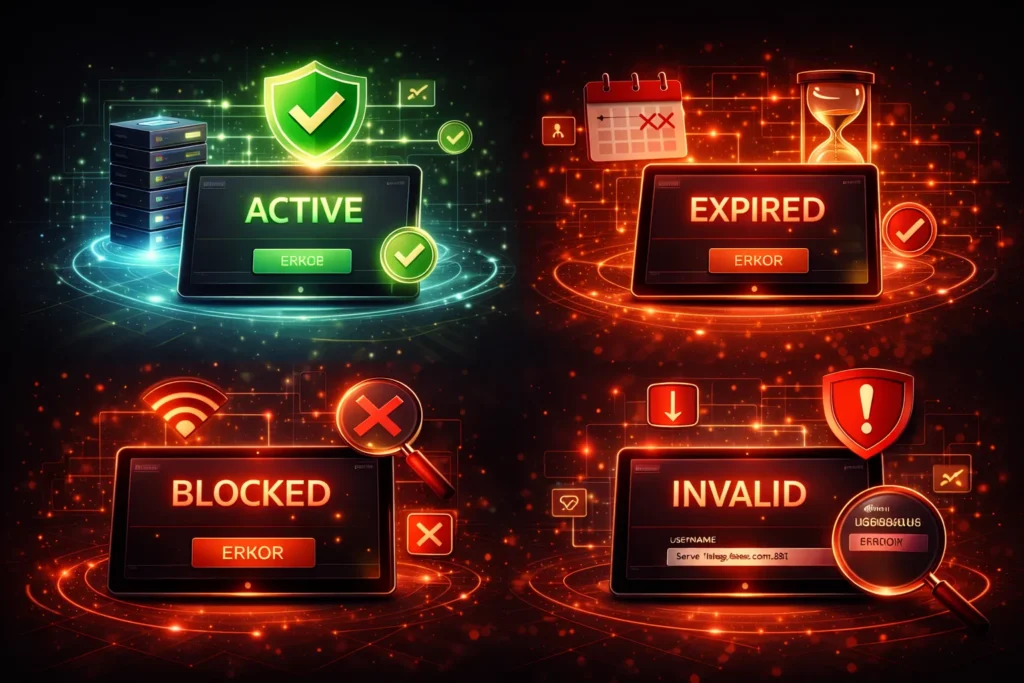
When checking IPTV account validity, results typically fall into a few categories:
- Active: Account is valid and within usage limits
- Expired: Account duration has ended
- Blocked: Access temporarily restricted
- Invalid: Credentials are incorrect or disabled
Knowing which status applies helps narrow down the cause of access problems.
Legal and Responsibility Considerations
Users are responsible for ensuring they have the legal right to access and use any IPTV account credentials they possess.
IPTV utility tools operate solely on user-submitted data and do not host, stream, or provide content.
For a general overview of IPTV as a technology, you can refer to Internet Protocol television on Wikipedia.
Final Thoughts
Checking whether an IPTV account is still active does not require loading streams or guessing based on playback behavior. By understanding how authentication works and using safe verification methods, users can identify issues quickly and avoid unnecessary troubleshooting.
A structured approach to account validity helps maintain stable IPTV setups and reduces confusion when access problems occur.